
GPTImage 2.5
Generation and editing
IMAGE CREATION WORKSPACE
GPT Image 2.5 is live — released September 8, 2026. Generate or edit an image right here in your browser.
Browse creative prompts and visual examples. Create and edit with GPT Image 2.5 or GPT Image 2.
Fast everyday image creation.
Quality and image count are handled automatically for GPT Image 2.5.
Shortcut ⌘ / Ctrl + Enter
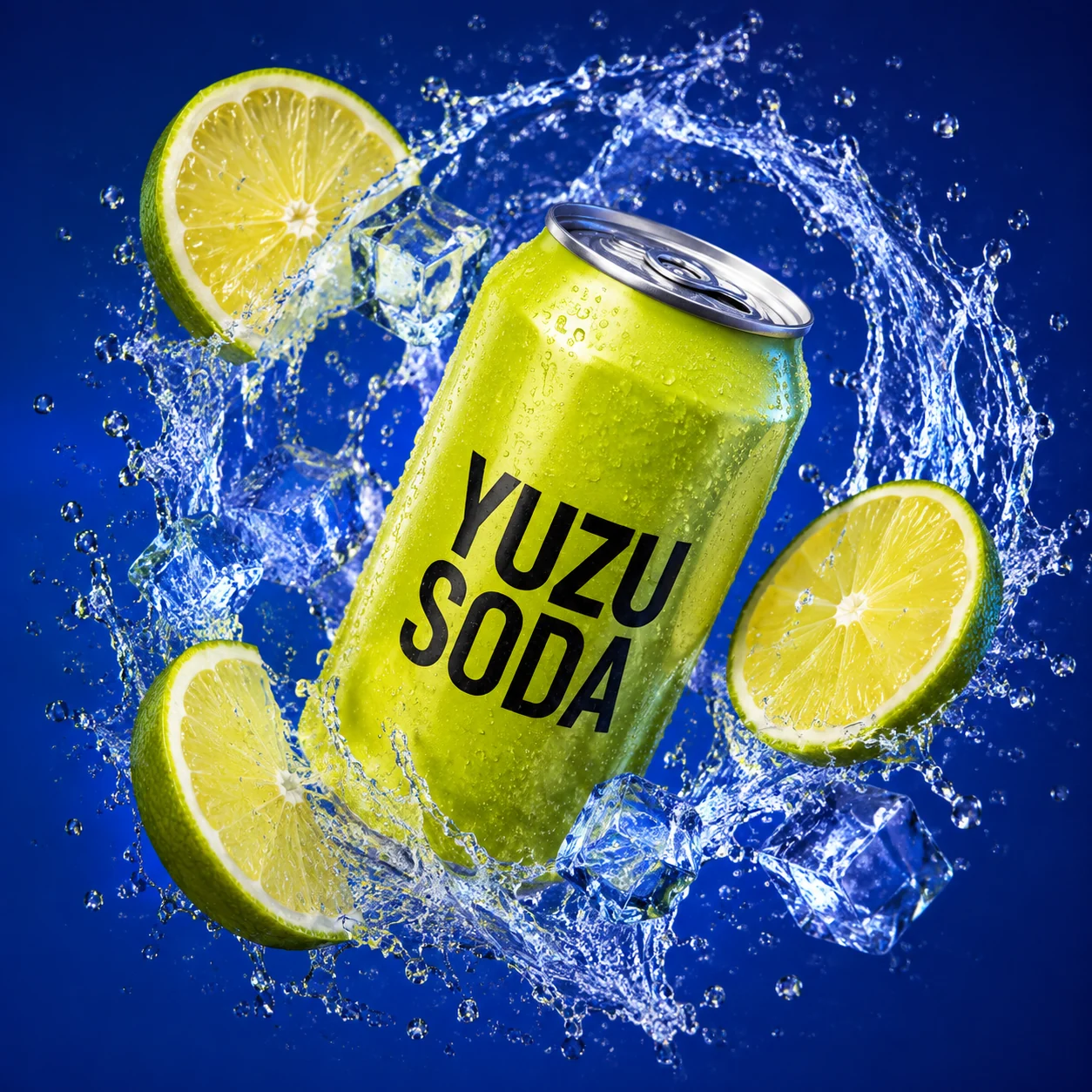
Yuzu soda campaign
Create a square premium beverage campaign photo: a single acid-lime aluminum soda can floating diagonally, label facing camera with bold black text 'YUZU SODA'. Surround it with a sculptural arc of clear sparkling water, translucent ice and three juicy citrus slices, frozen in high-speed motion. Electric cobalt-blue studio background, crisp rim lighting, realistic condensation, metallic reflections and sharp citrus pulp. Keep the complete can centered within the middle 70% for safe cropping. Striking depth, premium ecommerce art direction. No extra text, logos, borders or watermark.
Generation and editing
Preset and custom dimensions
Automatic through Maximum
Space for a detailed creative brief
GPTImageGen25 is an independent GPT Image 2.5 generator and editor. Create product photos, posters, portraits, and campaign visuals from a prompt or reference image. Choose GPT Image 2.5 or GPT Image 2, adapt an example to your brief, and preview and download the result.
Looking for model availability? Read our GPT Image 2.5 release status for the dated review, or consult OpenAI’s image generation documentation for official capabilities.
For a product listing, specify the package shape, label, surface, and lighting. For a campaign, define the mood, audience, and space needed for a headline. For an edit, name the change and the details that must remain consistent. Keep the rest of the brief stable while refining one instruction at a time, so you can judge what improved. This product, also called ImageGen25, is not an official OpenAI service.
Explore product campaigns, fashion editorials, beauty launches, technology, travel illustration, and architectural spaces.
Frozen splashes · electric color · product storytelling
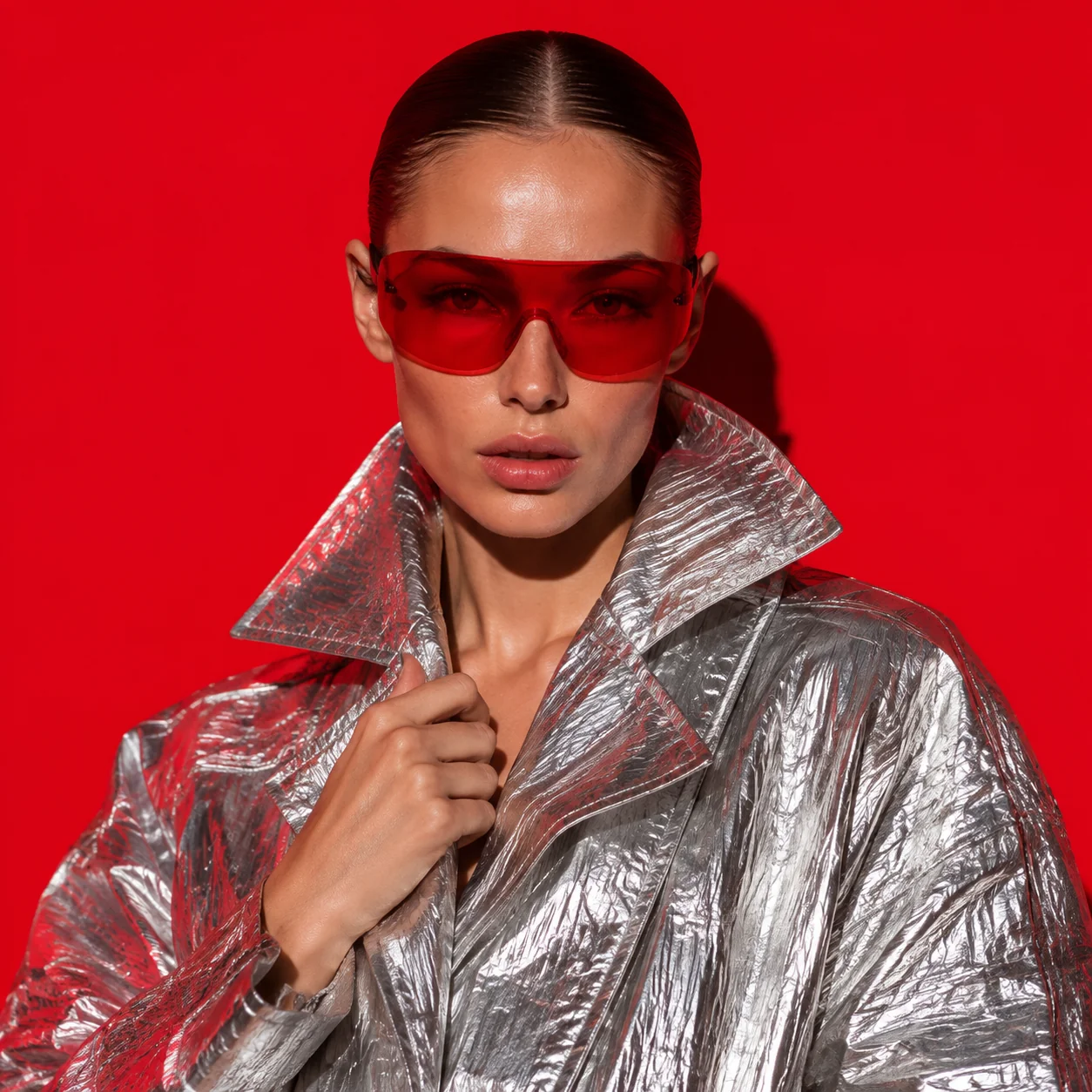
Chrome fabric · bold portrait · vermilion backdrop
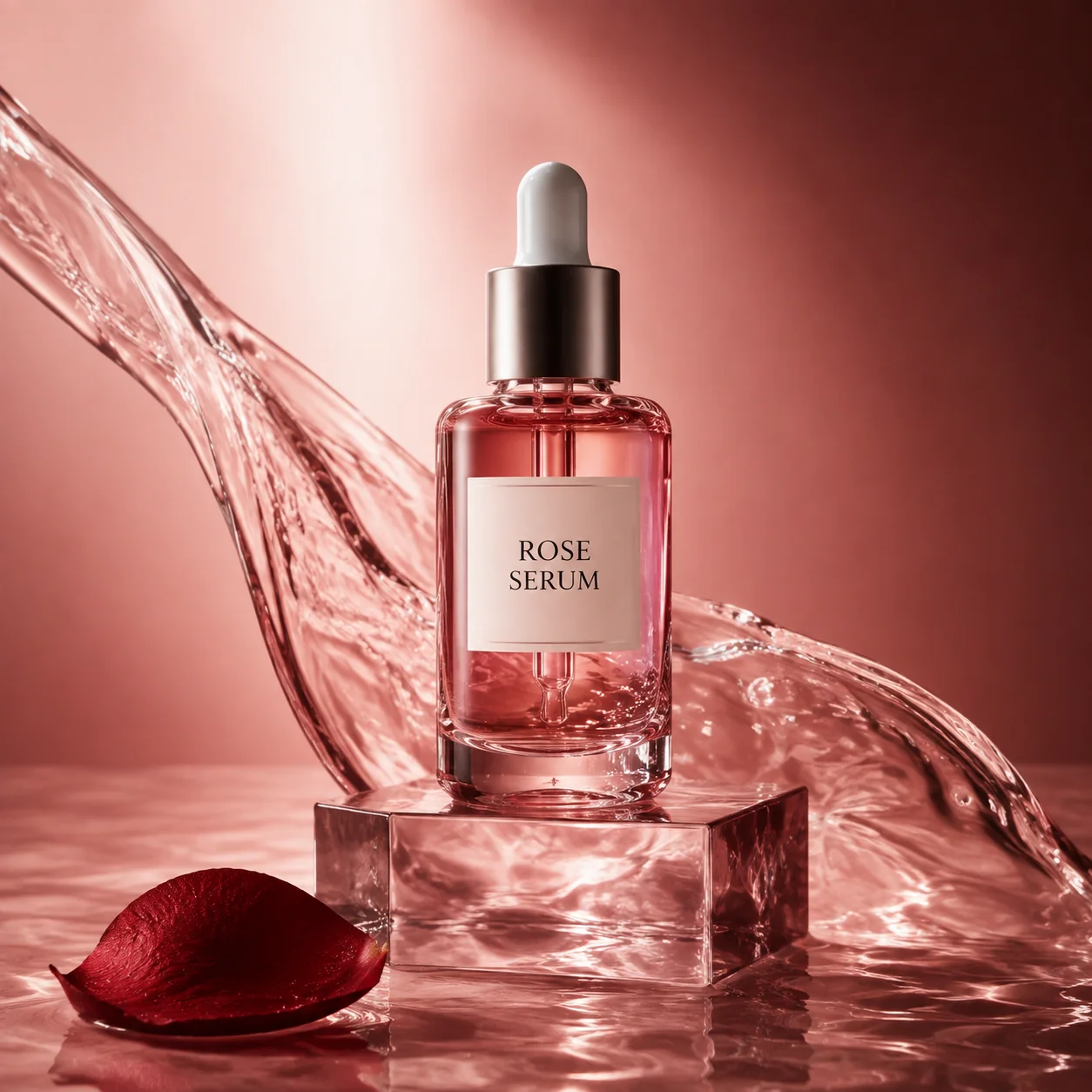
Translucent glass · soft reflections · beauty campaign
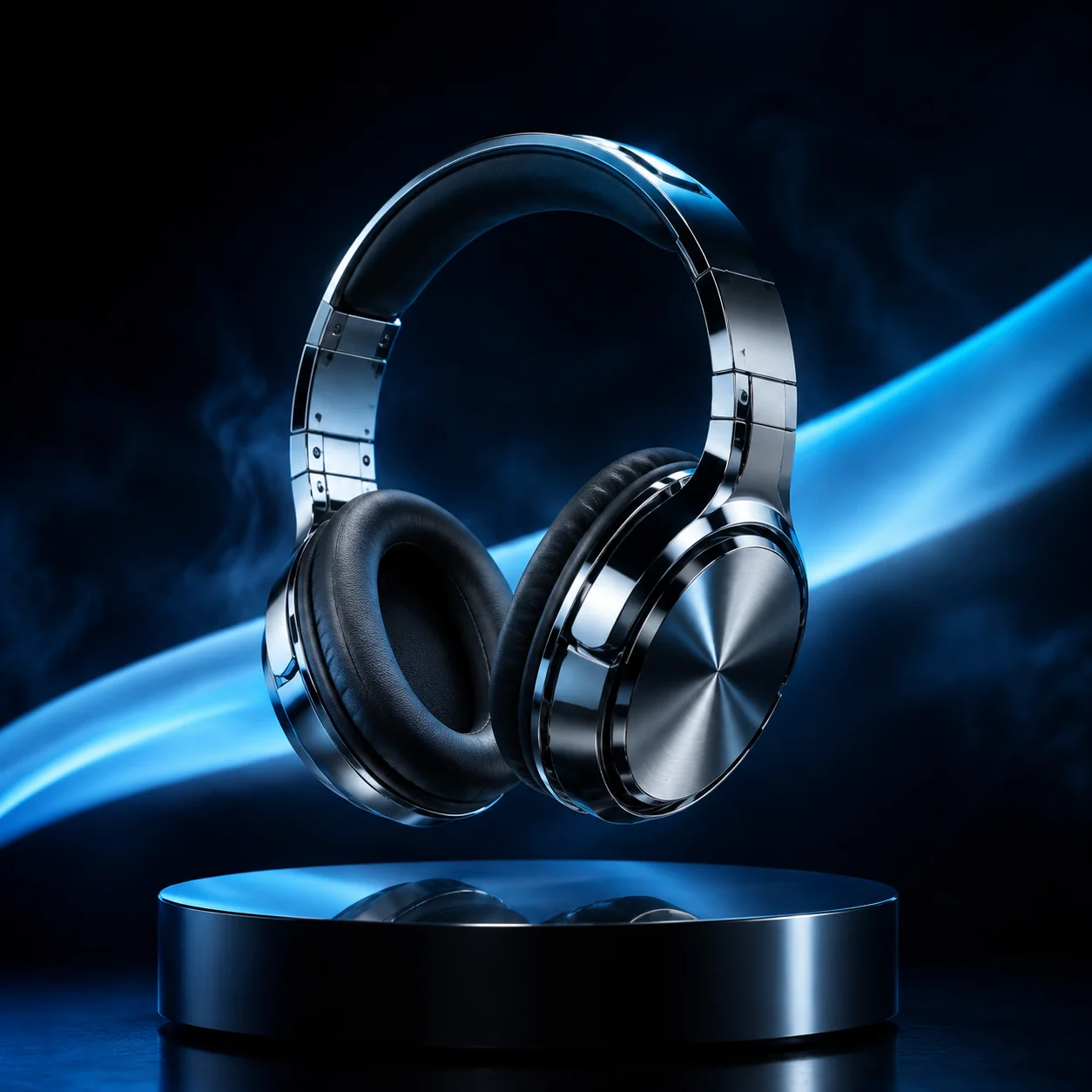
Liquid chrome · cyan light · futuristic product launch
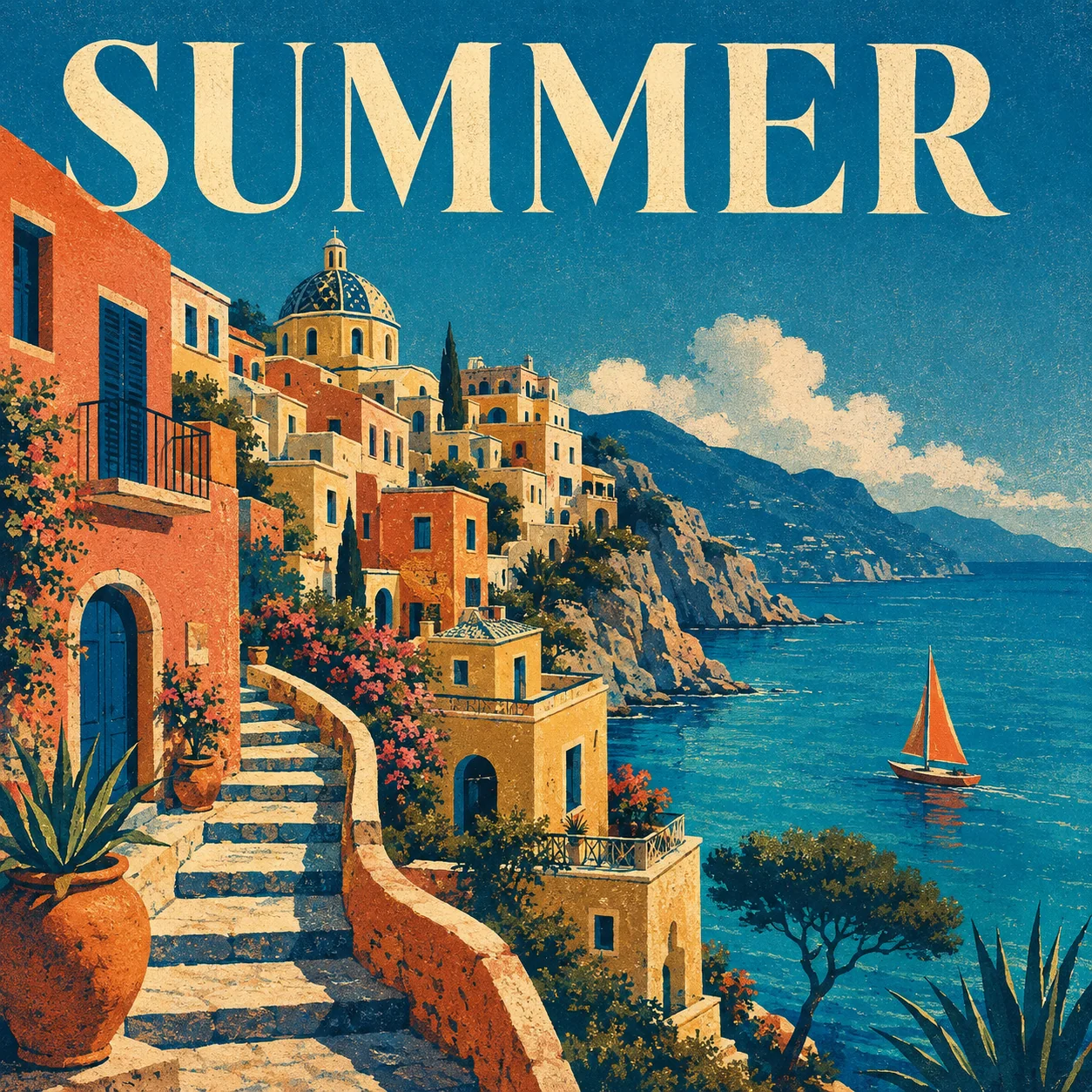
Screen-print texture · bold type · illustrated escape
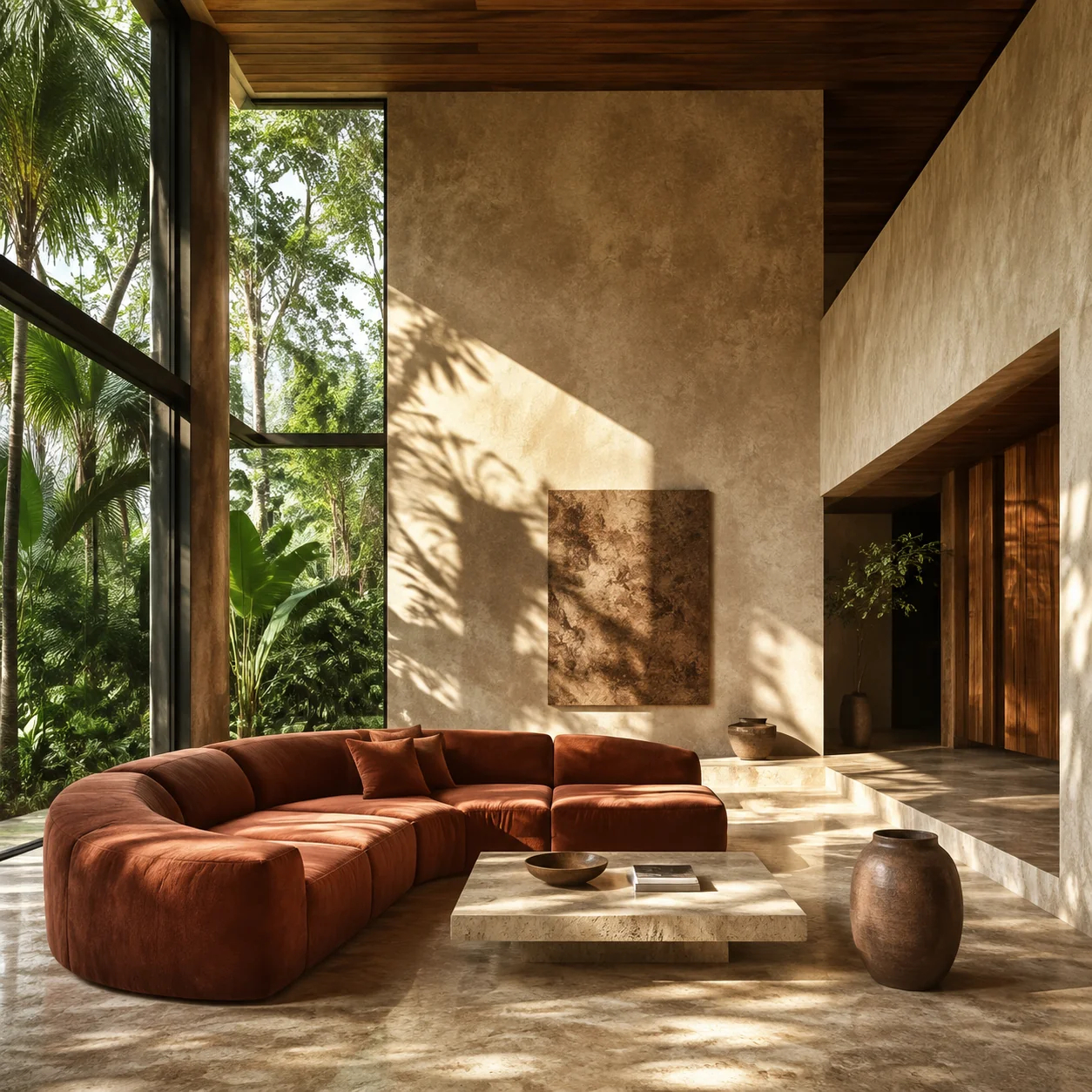
Warm travertine · sculptural furniture · natural light
Use a focused guide for editing, product photography, poster design, or a controlled Image 2 comparison.
Change one visible detail while preserving identity, framing, materials, and everything else that matters.
Open guideDirect the product, surface, camera, light, reflections, negative space, and exclusions as one studio brief.
Open guideTreat exact copy, typography, hierarchy, spacing, and color as explicit parts of the generated composition.
Open guideCheck current model access and learn how to compare composition, text, materials, and editing with a consistent brief.
Open guideThe interface keeps the creative brief and essential output decisions together, so iteration stays readable.
Direct the subject, camera, layout, light, materials, and mood in one natural-language brief.
01Add a public image link and describe what should change. List the product, framing, colors, or other details that must stay consistent.
02Choose automatic or custom image dimensions, six quality options for GPT Image 2.5, and transparent backgrounds.
03“Acid-lime soda can, suspended citrus and ice, a frozen arc of sparkling water, electric cobalt blue, crisp studio lighting.”
Start with the subject and intended use, then describe the composition, light, and materials. A concrete brief gives you specific details to evaluate in the result and a clear next step when something needs changing.
For the soda campaign, the important instructions are the can’s angle, readable label, frozen splash, and blue background. To create a calmer catalogue image, remove the splash and citrus, straighten the can, and request a plain backdrop. Keep the same product description while changing the scene. This makes the next result easier to compare with the first.
Open the prompt libraryGPT Image 2.5 introduces Flare for fast generation and Sunburst for precise editing. Read the official capability comparison, including quality settings and transparent output, alongside the options currently offered in this workspace.
The studio includes GPT Image 2.5 Flare, GPT Image 2.5 Sunburst, and GPT Image 2 controls. Choose automatic, preset, or custom dimensions; six quality options for GPT Image 2.5; transparent or opaque backgrounds; PNG, JPEG, or WebP; and 1–10 images per request.
OpenAI launch announcementWrite a visual brief with the subject, scene, style, composition, light, and constraints.
Select GPT Image 2.5 or GPT Image 2 and Create, then choose an aspect ratio, resolution, and quality level.
Create the result, review it at full size, and refine one instruction at a time.
Practical answers about getting started, reference images, choosing output settings, and refining the result.
IMAGE CREATION STUDIO